
Summer usually brings a slower pace, out-of-office messages pile up, and project timelines stretch out. The summer months offer the perfect window of opportunity to finally test out AI tools and perhaps even establish a workflow before the pressure picks up again in the fourth quarter. The following list is a curated selection of 11 AI tools, which we’ve divided into 4 categories. For each AI tool, we describe its features, use cases, and who it’s best suited for.
| Category 1: Coding & Development | Claude Code, OpenAI Codex, Cursor, Google Antigravity |
| Category 2: App Creation Without Coding Skills | Lovable, Bolt |
| Category 3: Design Support | Napkin AI, Google Stitch, Higgsfield |
| Category 4: Productivity Tools: Research & Voice Input | NotebookLM, Wispr Flow |
Category 1: Coding & Development
Claude Code and OpenAI Codex for agent-based
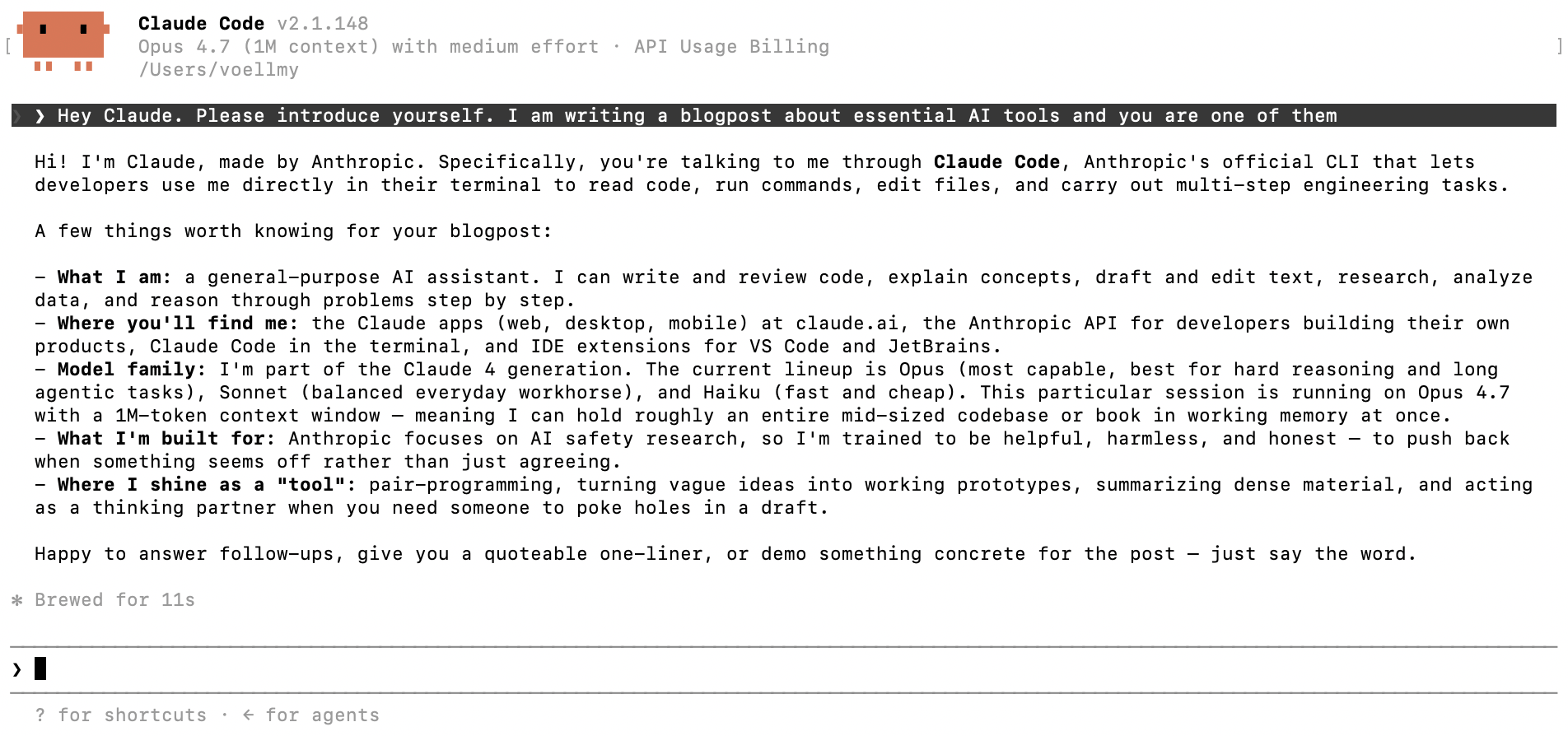
AI tools for agent-based programming directly in the terminal are currently dominated by two heavyweights: Anthropic’s Claude Code and the recently updated OpenAI Codex. Unlike ChatGPT.com or Claude.ai, where you copy and paste code, these tools run directly in your terminal and have read and write access to your files.
Claude Code is Anthropic’s terminal-based coding agent and currently achieves the highest scores in benchmark comparisons for autonomous programming agents. It reads entire repositories, edits files, runs tests, and can use the Model Context Protocol to open a Jira ticket, implement the change, and update the ticket without you having to switch contexts.
OpenAI Codex, relaunched in early 2026 with its GPT-5.5 architecture, is a strong competitor that is deeply integrated with GitHub and the broader OpenAI ecosystem. While Claude is often praised for its deep, cross-file logical reasoning, Codex excels at parallel execution.
| Who should use Claude Code and OpenAI Codex? |
|
| What are Claude Code and OpenAI Codex good at? |
|
| What are Claude Code and OpenAI Codex not suitable for? |
|
| Costs for Claude Code and OpenAI Codex |
|
Cursor and Google Antigravity: AI-powered code editors
An AI-native IDE is a code editor in which the AI agent serves as the primary interface, rather than just a plugin. Code editors work on files side by side with an agent. You can refactor code across the entire project, run tests, and receive clear explanations of the changes.
This category is led by two tools with distinctly different philosophies:
Cursor is the default choice for most active developers. It is based on a VS Code fork, with familiar keyboard shortcuts and extensions. With the Composer feature, changes can be described in plain language and applied to multiple files simultaneously, which is useful when you want to rename a concept across an entire codebase or refactor a shared component.
Google Antigravity, which was recently updated to Antigravity 2.0 and is now powered by the significantly faster Gemini 3.5 Flash architecture for agent-based coding, can do even more. It divides the workflow into an Editor view (hands-on coding) and a Manager view, which allows you to launch multiple agents in parallel. For example, to fix three independent bugs while you focus on something else.
| Who should use Cursor and Google Antigravity? |
|
| What are Cursor and Google Antigravity good at? |
|
| What are Cursor and Google Antigravity not suitable for? |
|
| Costs for Cursor and Google Antigravity |
|
Category 2: App Development Without Coding Skills
Lovable and Bolt: From Idea to MVP in a Weekend
Lovable and Bolt are generators for full-stack web apps. The process is simple: you describe what your app should be able to do, and the tools create a working application with a front end, back end, and database that’s ready to go in just one hour.
Both target the same use case but differ in how much code they generate. Lovable uses a fixed stack by default and is designed to be further developed solely through prompts.
Bolt runs a complete Node.js environment in the browser via WebContainers, allowing you to analyze the output and export it cleanly as a standard codebase.
| Who should use Lovable and Bolt? |
|
| What are Lovable and Bolt good at? |
|
| What are Lovable and Bolt not suitable for? |
|
| Costs for Lovable and Bolt |
|
Category 3: Design Support
Napkin AI: Turn text into an editable diagram in seconds
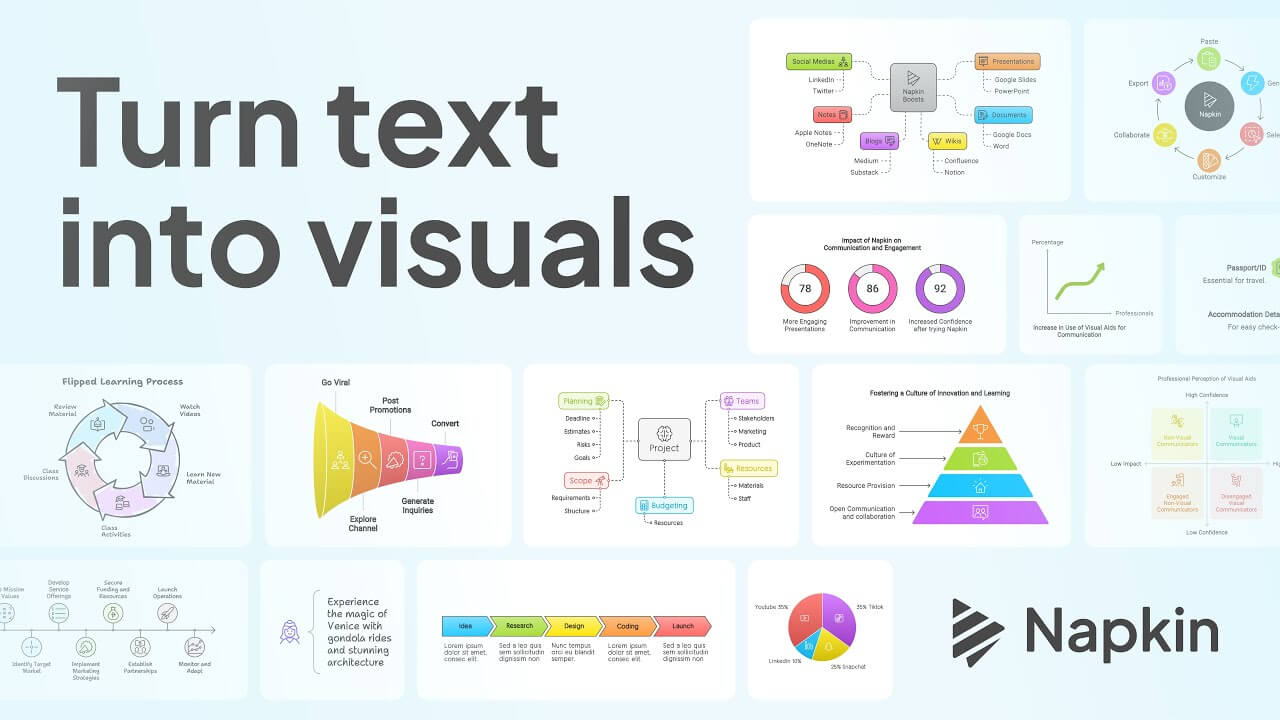
Napkin AI converts written text into editable diagrams. You paste in a paragraph describing a process, a framework, or a comparison, and receive a visualization that you can move, rearrange, add new icons to, and export. Napkin’s output is also visually editable rather than at the code level, a major advantage for marketers. Visualizations can be exported as native PowerPoint files (where shapes remain editable within your own branded template), PDFs, and high-resolution images.
| Who should use Napkin AI? |
|
| What does Napkin AI do well? |
|
| What is Napkin AI not suitable for? |
|
| Cost of Napkin AI |
|
Google Stitch: From Prompt to UI Design
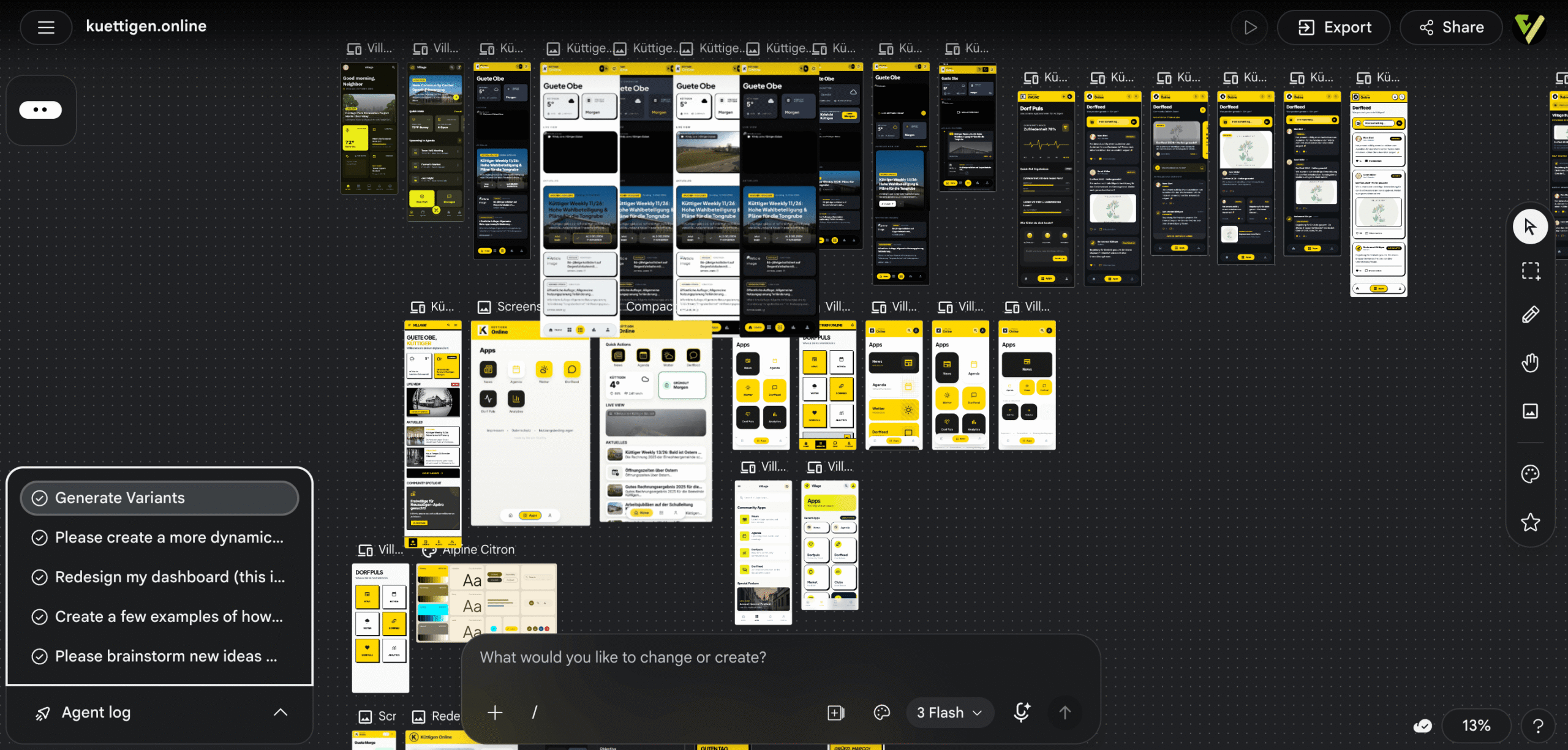
Google Stitch is Google Labs’ AI-native UI design tool. Stitch 2.0, released in March 2026, includes a design workspace (Infinite Canvas), a design agent that thinks logically across projects, and direct export pipelines to AI coding tools such as Claude Code, Cursor, and Antigravity.
This means you can automatically create a prototype by describing the app or feature, having the UI generated, handing it off to a coding agent, and thus obtaining a working prototype in no time.
Google Stitch excels at the first 60-70% of the design work; the remaining 30% (brand accuracy, pixel-perfect fine-tuning, accessibility) still requires manual design work.
| Who should use Google Stitch? |
|
| What does Google Stitch do well? |
|
| What is Google Stitch not suitable for? |
|
| Cost of Google Stitch |
|
Higgsfield: AI Video for Marketing Teams
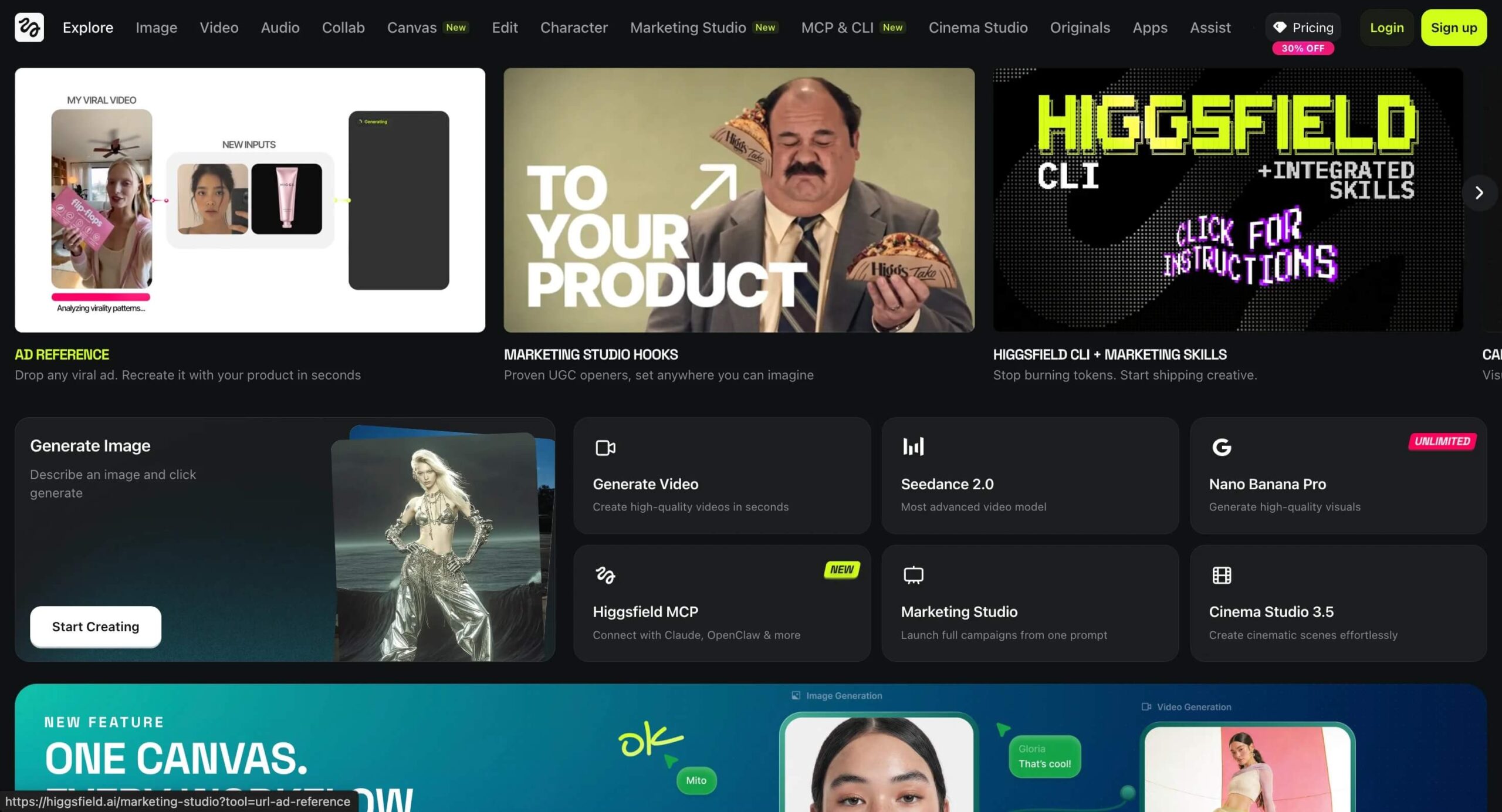
Higgsfield is an aggregator that provides access to over 15 advanced AI video models (Sora 2, Veo 3.1, Kling 3.0, and others) through a single interface. With the introduction of Gemini Omni, a new multimodal video generation model, Higgsfield is ideally positioned to give marketing teams access to the models they need for video content.
Higgsfield offers controls for character consistency, camera movements, and motion physics. The rationale for an aggregator is simple: AI video models vary greatly. One excels at human movements, another shines in physical realism, and a third might be better suited for stylized animations. With Higgsfield, you can select the right model for each scene, rather than having to live with the limitations of a single model for every clip.
| Who should use Higgsfield? |
|
| What does Higgsfield do well? |
|
| What is Higgsfield not suitable for? |
|
| Costs for Higgsfield |
|
Category 4: Productivity Tools: Research & Voice Input
NotebookLM: Research you can cite
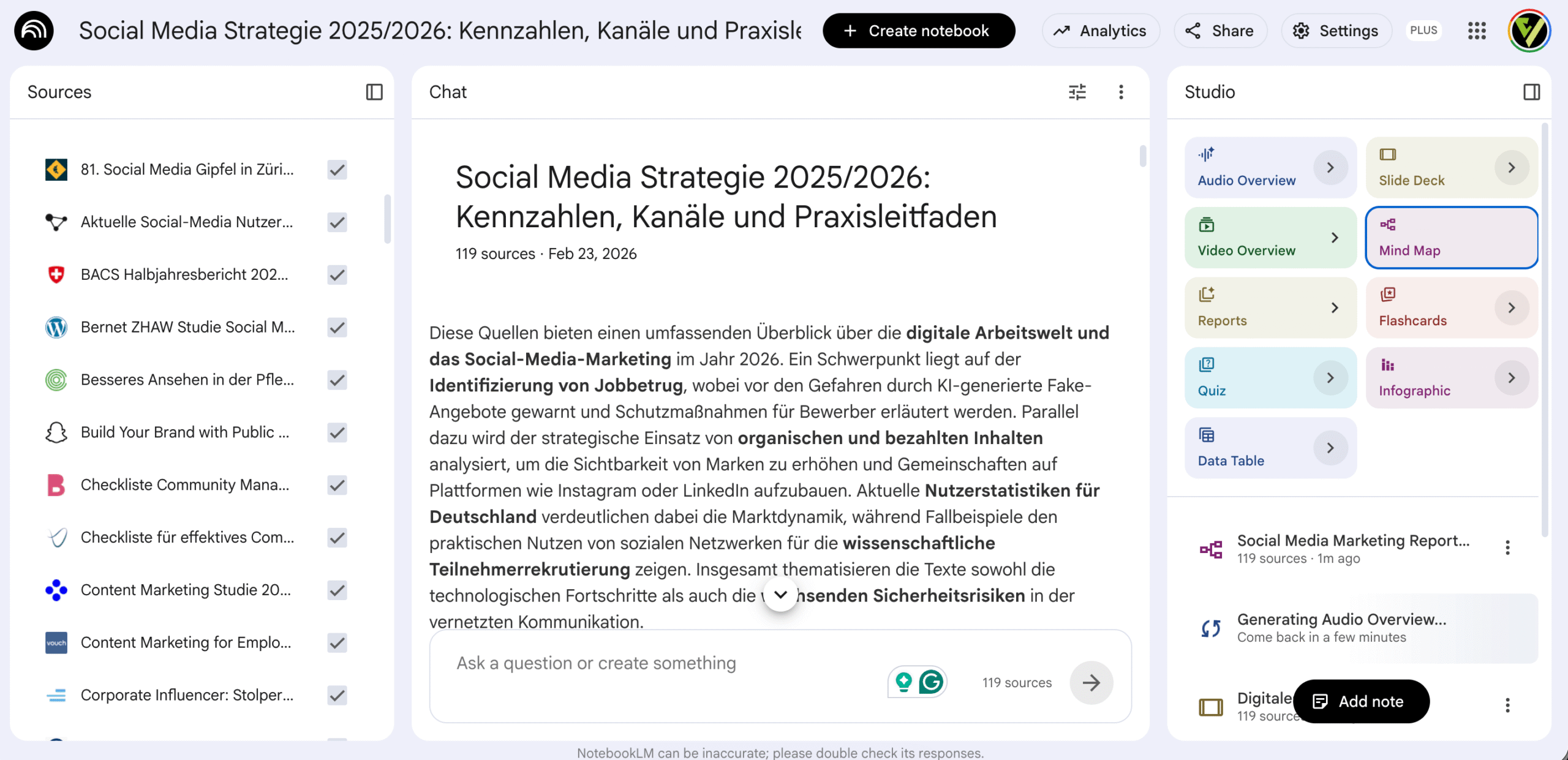
NotebookLM is Google’s source-based research assistant. It allows users to upload documents (PDFs, web links, YouTube transcripts, Google Docs), and every response from the model is linked to these sources via inline citations.
NotebookLM also generates structured outputs from various sources, including briefing reports, timelines, FAQs, and mind maps. This ability to search through large volumes of documents is complemented by the trend toward proactive, agent-based summaries, as demonstrated by Google’s latest out-of-the-box agent, Daily Brief, which creates personalized summaries from Inbox, Calendar, and Tasks.
The Audio Overview feature also transforms a notebook into a dialogue-based podcast. Notebooks can also be shared, making NotebookLM more useful for team workflows than the chat interfaces it competes with.
| Who should use NotebookLM? |
|
| What does NotebookLM do well? |
|
| What is NotebookLM not suitable for? |
|
| Cost of NotebookLM |
|
Wispr Flow: Voice Control for Everyday Life
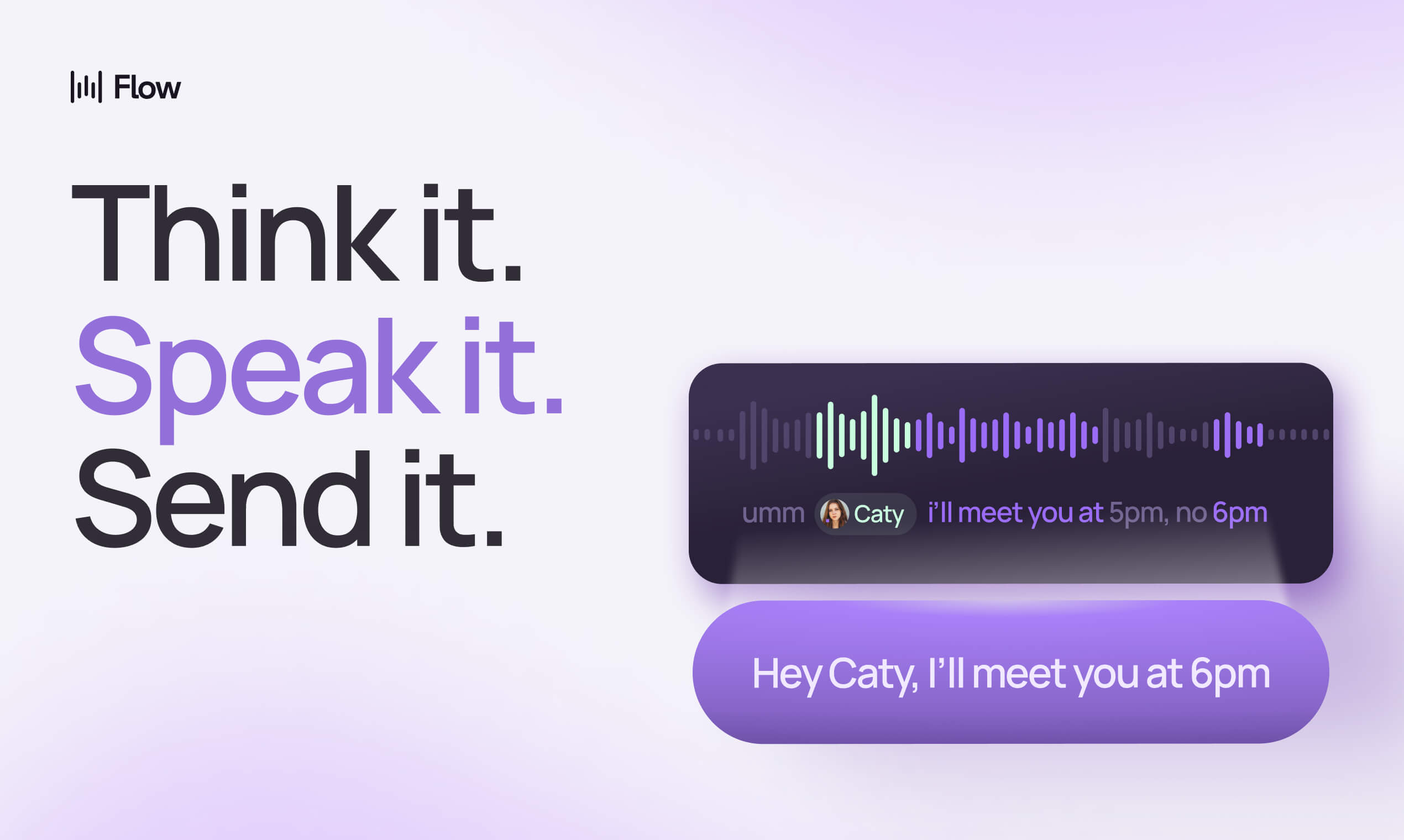
Wispr Flow is a system-wide speech-to-text tool for Mac and Windows. It uses AI to clean up dictated speech, remove filler words, and adapt the formatting to the currently active application.
Once you get used to voice input, you’ll see a significant boost in productivity. It might take a good two weeks to get the hang of it.
| Who should use Wispr Flow? |
|
| What does Wispr Flow do well? |
|
| What is Wispr Flow not suitable for? |
|
| Cost of Wispr Flow |
|
Conclusion
Ultimately, the best way to learn is to use the AI tools yourself and find the right use case for your needs. These tools are currently evolving very rapidly. We hope that our overview has provided you with a good starting point for selecting the right tools. You can find specific use cases in our articles on AI and web analytics or in our evaluation of AI agents.